You have spent money on a good-looking website. The copy reads well, the phone number is easy to find, and your Google Business Profile (the free listing that shows your business on Google Maps and in local search results) is filled in properly. Yet enquiries from Google search are thin, and the problem probably sits under the bonnet rather than in the words on the page. That “under the bonnet” work is technical SEO (search engine optimisation, the practice of improving a website so Google can find, understand and rank it in unpaid search results), and it is usually the reason a genuinely good Melbourne business stays buried on page two. This guide covers what technical SEO actually means, the problems we see most often in Melbourne businesses, what fixing them typically costs and takes, and the specific things you can check yourself or ask your web developer about this week.
What technical SEO actually means
Technical SEO covers everything that affects whether Google can find your pages, understand what they are about, and load them fast enough that visitors stick around. It sits underneath content and links, and little else matters if this layer is broken. Three ideas come up constantly, so they are worth defining properly.
Crawlability is whether Google’s automated software (called a crawler, or “Googlebot”) can actually reach and read your pages by following links and your sitemap, a file that lists every page you want found. Indexing is the separate step where Google decides a page is worth storing in its index, the database it searches when someone types a query. A page can be perfectly crawlable and still be excluded from the index if Google judges it thin, duplicate, or accidentally blocked by a “noindex” instruction. Schema markup (also called structured data) is extra code added to a page that describes its content in a format Google understands directly, for example marking up a review, a menu, or an opening-hours listing so it can appear as a richer result in the search listing.
Google’s own guidance for site owners lays out this foundation in plain terms and is worth reading once even if you outsource the work (Google Search Central, SEO Starter Guide).
Not sure where your own site stands on any of this? A free 30-minute audit will tell you, in plain English, no obligation attached. Book your free technical SEO audit.
Common technical SEO problems in Melbourne business websites
After auditing hundreds of Melbourne sites across trades, retail, professional services and healthcare, the same handful of issues show up again and again. Most come from a website being built for how it looks rather than how a crawler reads it, or from a plugin update years ago that nobody has checked since.
| Common issue | What it looks like | Why it hurts rankings |
|---|---|---|
| Duplicate or thin pages | Near-identical service pages for every suburb, each with one paragraph swapped in | Google may index only one version, or none, judging the rest as low value |
| Broken internal links and 404 errors (the message a page shows when it no longer exists) | Old menu items, deleted pages, or a site migration nobody redirected | Wastes crawl budget, the limited number of pages Google bothers to check on each visit, and loses link value |
| Slow-loading images and scripts | Product or team photos uploaded straight from a phone, with no compression | Drags down Core Web Vitals, Google’s measurements of loading speed, visual stability and responsiveness |
| Missing or incorrect canonical tags (the signal telling Google which version of a duplicate page is the main one) | The same page reachable at three addresses, with and without “www”, with and without a trailing slash | Splits ranking signals across near-duplicate URLs instead of consolidating them |
| No HTTPS or mixed content | Padlock missing in the browser bar, or a security warning on some pages | Google treats HTTPS, the encrypted, secure version of a web address, as a baseline trust signal |
Site speed and Core Web Vitals: the part Google measures directly
Site speed used to be a vague nice-to-have. It is now something Google actually measures on real visitors’ devices, through scores called Core Web Vitals: how fast the main content appears, how quickly the page responds to a tap or click, and how much the layout jumps around while loading. The 2025 Web Almanac, HTTP Archive’s annual study of the web built from real Chrome user data, found only 48% of mobile sites and 56% of desktop sites passed all three Core Web Vitals thresholds, meaning roughly half the web still ships a slower or jumpier experience than Google considers good (HTTP Archive, 2025 Web Almanac, Performance chapter).
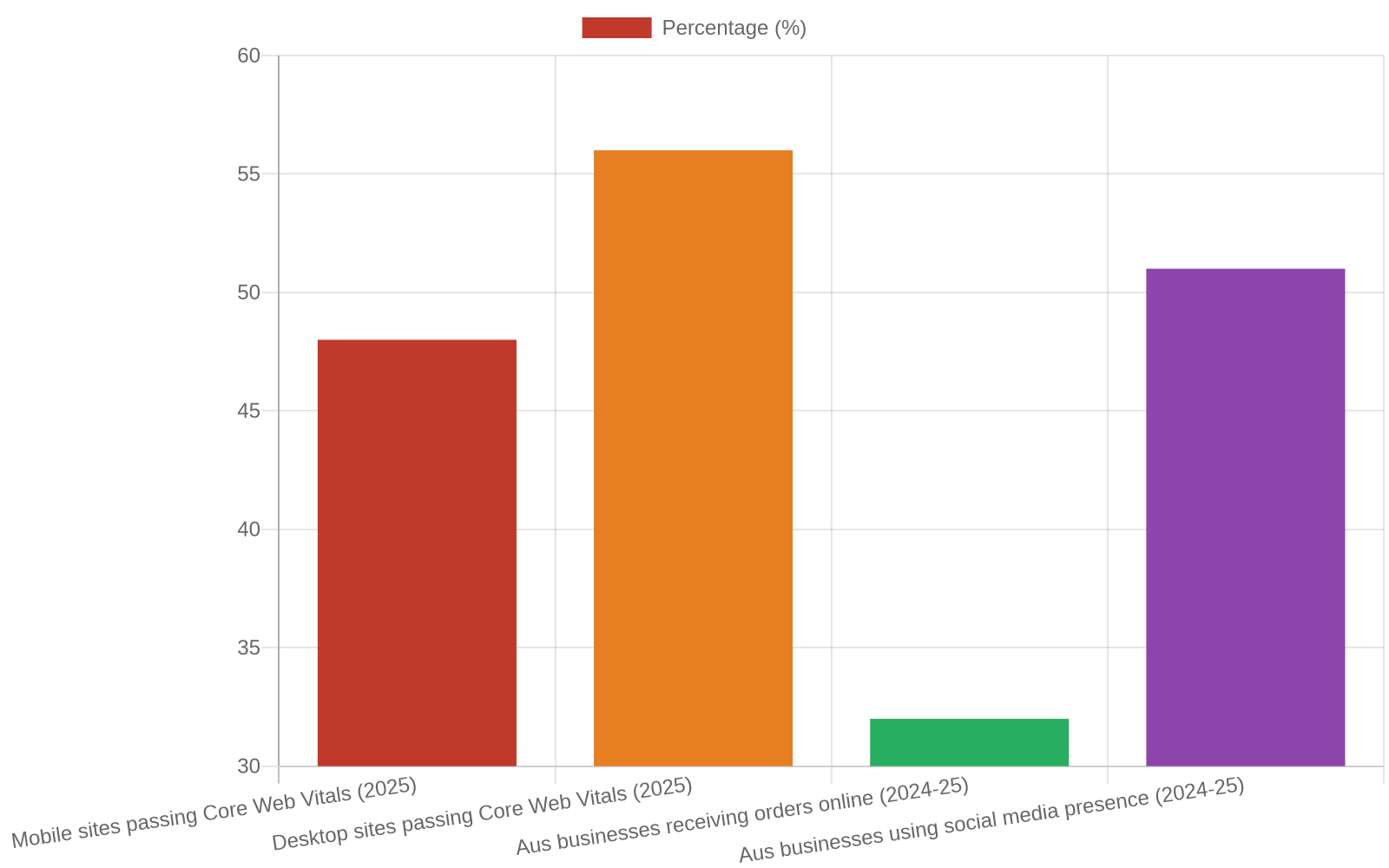
The business case is not abstract either. The Australian Bureau of Statistics found that in the 2024-25 financial year, 51% of Australian businesses used social media for their online presence and 32% received orders online, both measures of how much revenue now depends on a functioning, findable website rather than a shopfront alone (ABS, Characteristics of Australian Business, 2024-25). If your site is slow on a phone at a Melbourne cafe, some of that 32% is going to a faster competitor instead.
If your homepage takes more than a few seconds to load on a phone, that is worth fixing before anything else. Our technical SEO service starts every engagement with exactly this kind of speed and crawl diagnosis.
What technical SEO costs, how long it takes, and what goes wrong
Pricing depends on how broken things are and how large the site is:
| Site size | Typical one-off audit and fix cost | Ongoing monthly technical maintenance |
|---|---|---|
| Small local site (under 20 pages) | $600 to $1,200 | $150 to $350 |
| Multi-location or service business (20 to 100 pages) | $1,200 to $3,000 | $350 to $800 |
| E-commerce or enterprise site (100+ pages, product catalogue) | $3,000 to $8,000+ | $800 to $2,500+ |
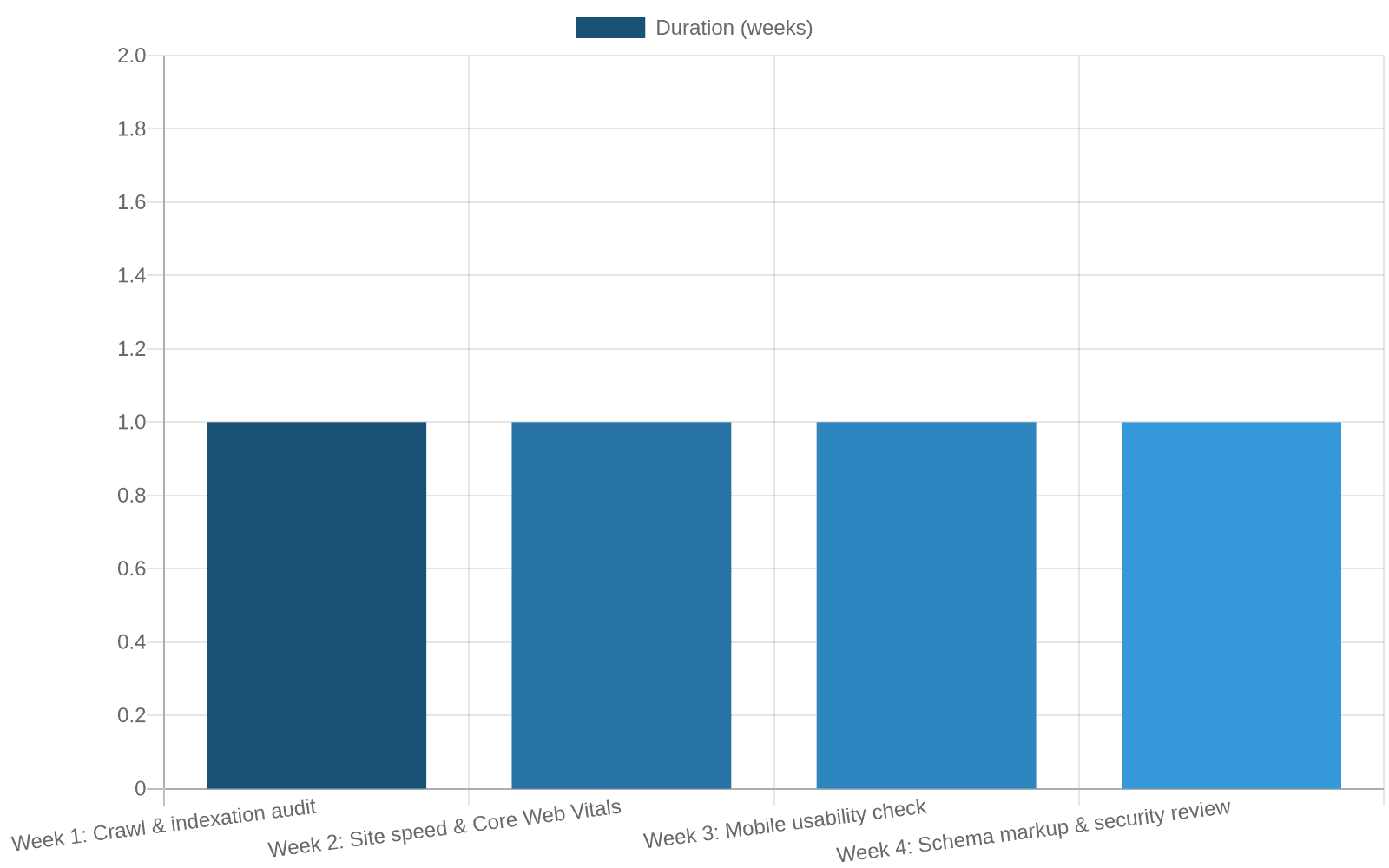
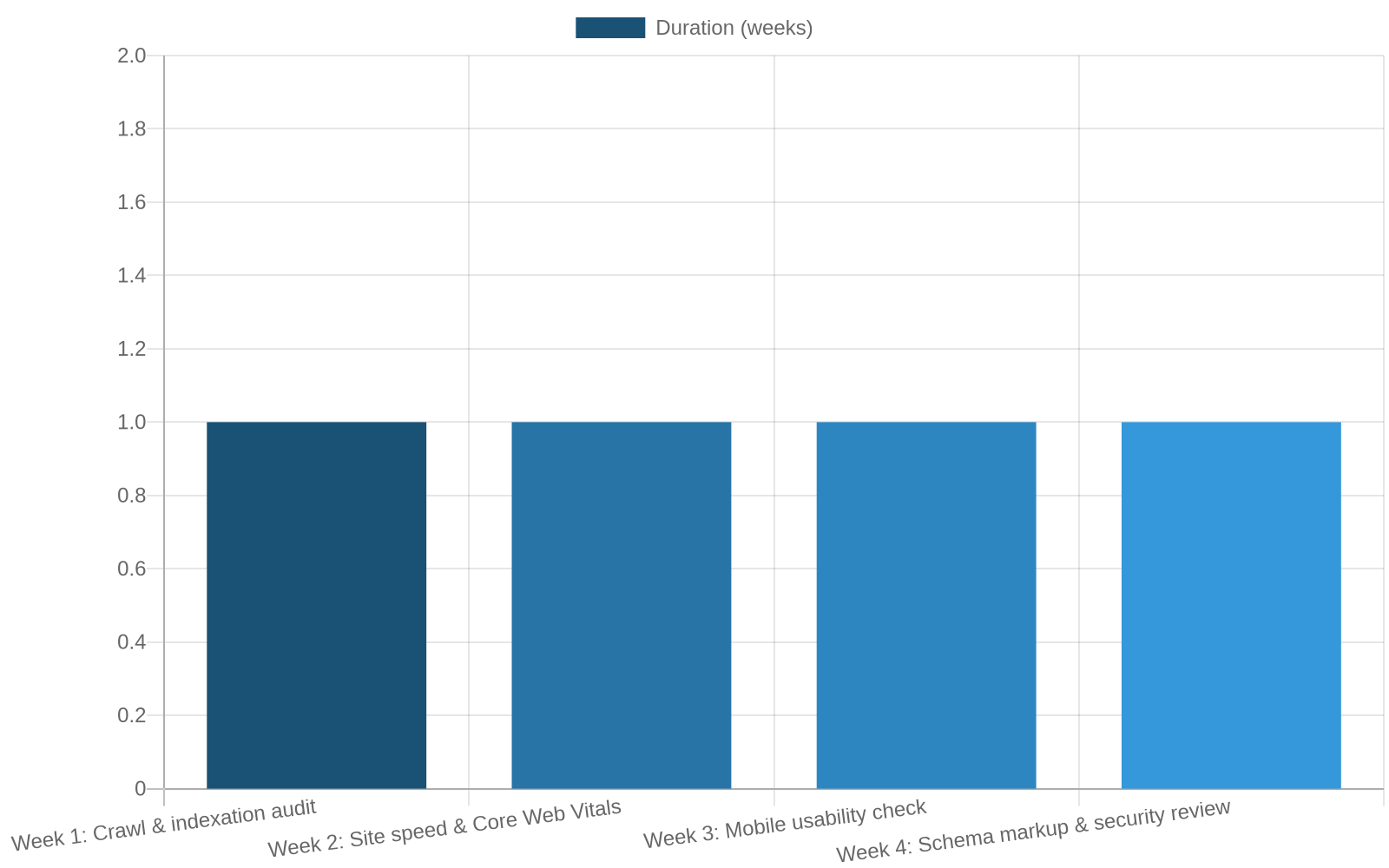
Most audit and fix work finishes within two to four weeks. Google then needs time to recrawl and reassess the site, so ranking movement from technical fixes alone typically shows within four to eight weeks, faster if the site was badly broken to begin with.
What goes wrong is rarely dramatic. It is usually a developer fixing the visible symptom (a page that looks broken) without checking whether the underlying cause (a bad redirect, a blocked resource, or a duplicate sitemap) affects twenty other pages the same way. The other common failure is treating technical SEO as a one-off project instead of ongoing maintenance, since a redesign, a new plugin, or a rebrand can silently reintroduce the exact problems an audit just fixed. That is why fortnightly, plain-language reporting is standard on every engagement we run, and why our results page shows real before-and-after numbers rather than vanity metrics.
Practical steps you can take this week
You do not need to become technical to ask the right questions or run a first check yourself.
- Run your homepage through a free page-speed check. Look at the mobile score specifically, since that is what Google uses for ranking under mobile-first indexing, its practice of using the mobile version of your site as the primary basis for indexing and ranking (Google Search Central, mobile-first indexing).
- Search “site:yourdomain.com.au” in Google and skim the results. Missing pages, or old deleted pages still showing, both signal an indexing problem.
- Check for the padlock. Every page should load under HTTPS with no browser security warning.
- Ask your web developer three questions: when was the sitemap last updated, are any pages wrongly blocked in robots.txt (the file telling crawlers which pages to skip), and what did the last Core Web Vitals check show.
- Set a quarterly reminder to repeat these checks, since plugin updates and redesigns reintroduce technical issues quietly and often.
Frequently asked questions
Do I need technical SEO if my content and reviews are already good?
Yes. Great content on a page Google cannot crawl, index or load quickly is invisible no matter how well it is written. Technical SEO is the foundation the rest of your SEO sits on, not a separate, optional layer.
Can I fix technical SEO myself on a WordPress site?
Some of it, particularly image compression, an XML sitemap plugin, and basic redirect clean-up. Schema markup, crawl budget issues and Core Web Vitals diagnosis usually need a developer or an agency with technical depth.
How do I know if my current provider is doing this work?
Ask for a plain-English summary of your site’s Core Web Vitals scores and indexing status. If they cannot produce one within a day or two, it probably is not being monitored. More questions like this are covered on our FAQ page.
Where to go from here
Technical SEO is not glamorous, and nobody notices it when it is done properly, which is exactly the point. The businesses that fix it quietly outrank the ones spending more on content and links while ignoring the foundation underneath. Start with the free checks above, or skip straight to a professional look at your own site. Book your free consultation and 40-point technical audit. No lock-in contracts, and our Melbourne-based team replies within 24 hours. For more practical guides, browse our SEO blog, including our recent piece on red flags to watch for when hiring an SEO agency.
Want results like these for your business?
Book a free, no-obligation consultation with a Melbourne SEO expert.
Get a Free Consultation