Internal Linking Strategy: A Simple Guide for Melbourne Beginners (Plus 5 Mistakes to Avoid)
Most Melbourne business owners obsess over which keywords to target and forget the pages they have already published. That is a shame, because the fastest, cheapest way to help those existing pages rank better often has nothing to do with new content. It is internal linking: the humble hyperlinks that connect one page on your website to another. Get it right and you help Google find, understand and rank every page on your site. Get it wrong, or ignore it altogether, and you end up with “orphan” pages that quietly attract zero traffic, no matter how well written they are. This guide breaks internal linking down in plain English: what it actually is, how many links to use, a simple process you can follow this week, and the mistakes we see most often when we audit Melbourne websites.
What is internal linking, and why does it actually matter?
Internal linking simply means adding a clickable link from one page on your website to another page on the same website, not a link to a competitor or a news article, but one that stays inside your own site. A blog post about choosing a tradesperson might link to your services page. Your homepage might link to your three most important service pages. That is internal linking.
It matters for two reasons: one for people, one for Google. For people, internal links are signposts that help a visitor who lands on your blog find the service page that actually makes you money, instead of bouncing straight back to Google. For search engines, internal links are literally how they discover and understand your site. Google’s own Search Central documentation puts it plainly: “every page you care about should have a link from at least one other page on your site” (Google Search Central, updated December 2025). Without an internal link pointing to it, a page can sit on your website for months and never appear in search results, because Google’s crawler never found a path to it.
Melbourne businesses feel this most acutely on service pages. We regularly find local businesses that have written a strong page about, say, bathroom renovations in Brighton or conveyancing in Southbank, but buried it three menu levels deep with no internal links pointing to it from anywhere else on the site. The content is fine. It simply cannot be found.
The good news is that fixing internal linking costs nothing but time. You do not need a developer, a new plugin, or a redesign, just a plan for which pages should link to which, and some sensible anchor text. If you are not sure whether your own site has orphan pages like this, our team can run a free SEO audit worth $1,200 and show you exactly what Google can and cannot find on your site, no obligation attached.
How many internal links does a page actually need?
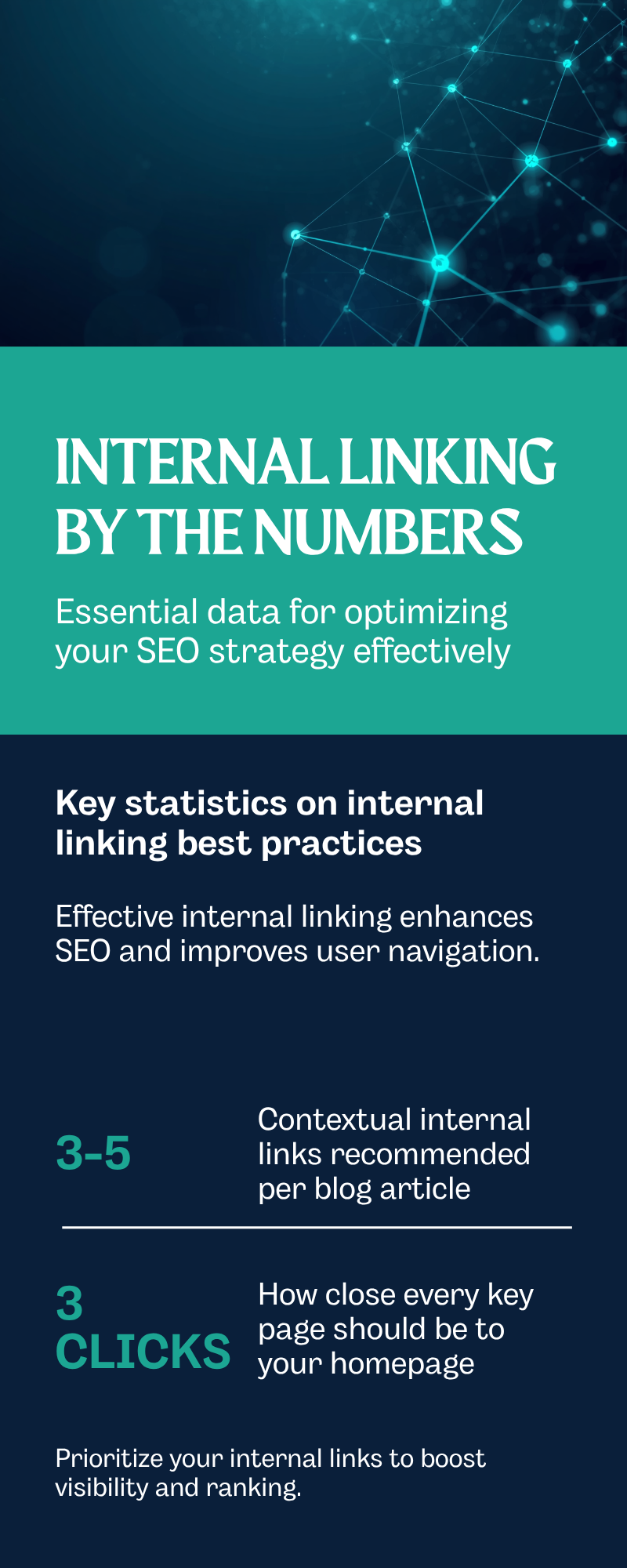
There is no magic number, and anyone who tells you otherwise is guessing. There are, however, sensible ranges backed by real data. Ahrefs, the SEO software company, updated its internal linking research in 2026 and settled on a practical rule of thumb: “keep it intentional: 3-5 contextual links per article is a good starting point” (Ahrefs, 2026). Add more and you dilute the value each link carries, since a page with 100 outgoing links spreads its authority 100 ways instead of concentrating it on the pages that matter.
Where you place a link matters as much as how many you add, since search engines weight a link partly on how likely a visitor is to actually click it.
| Link location | Typical SEO value | Why |
|---|---|---|
| Main content (contextual links) | Highest | Editorial, relevant to the surrounding sentence, and most likely to be clicked by an engaged reader |
| Navigation menu | Medium | Important for structure, but every page uses the same menu, so it carries less unique context |
| Breadcrumbs | Medium | Shows Google the hierarchy of your site, from homepage down to individual pages |
| Footer links | Lowest | Users rarely scroll down and click them, and search engines have adjusted their weighting accordingly |
For most Melbourne small business sites, this means the sentence or two in the body of a blog post, naturally mentioning a related service or another article, does more SEO work than an entire footer full of links. Pairing solid internal links with clear header tags and content structure gives Google the clearest picture of what your page is about.
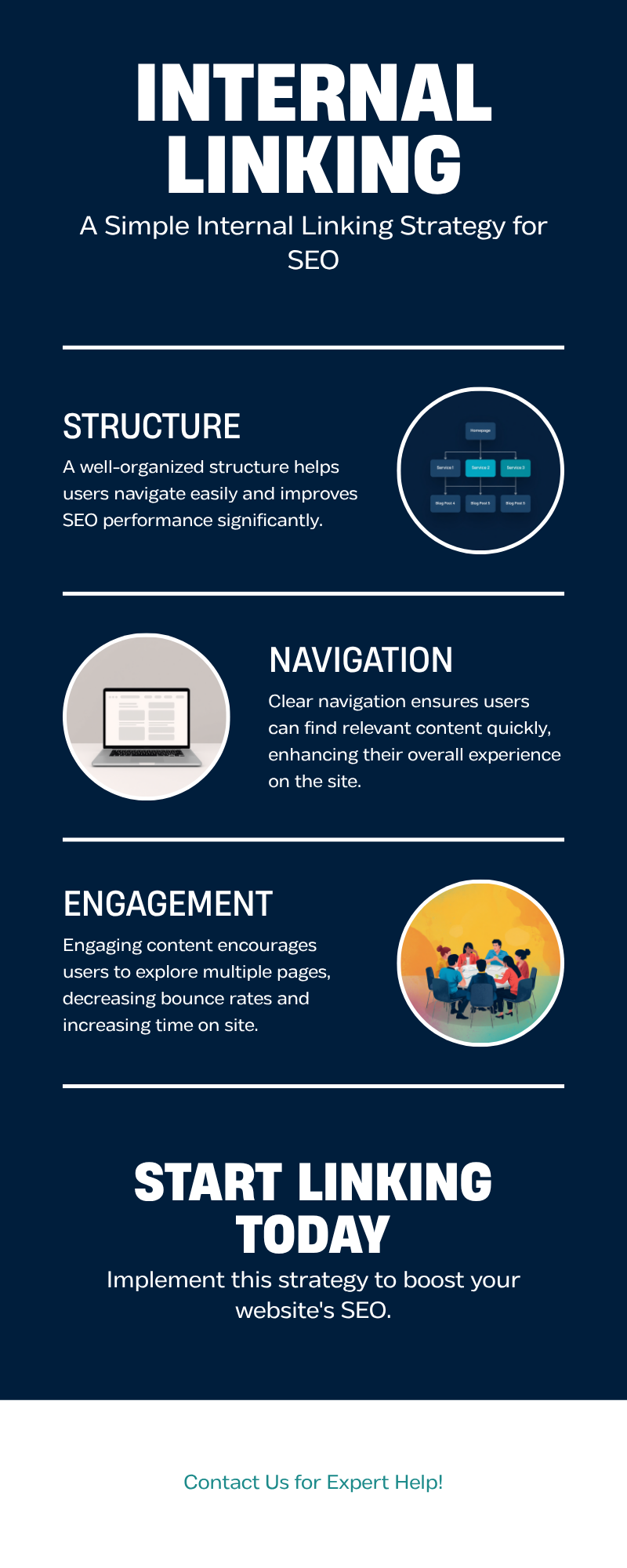
Picture it as a pyramid: homepage at the top, core service pages one level below, and blog posts below that, linking back up to the relevant service page. As a rule of thumb, keep every page you care about within three clicks of your homepage.
A simple 4-step internal linking strategy for beginners
You do not need specialist tools to make a start. Here is the process we walk Melbourne clients through.
1. List your money pages
Write down the handful of pages that actually drive enquiries or sales, usually your service pages, key product categories, or a booking page. These are the pages every other page on your site should eventually point back to.
2. Audit what already links to them
Open each money page and ask: which blog posts, other service pages, or menu items currently link to it? If the answer is “none,” you have found an orphan page, and it is costing you traffic right now.
Manually auditing dozens of pages takes time most business owners do not have. If you would rather our team mapped out an internal linking plan specific to your site’s service pages and blog, talk to us about a tailored SEO content strategy.
3. Add contextual links as you write and update content
Every time you publish a new blog post, look for a natural place, usually a sentence or two, to link to a relevant service page or an earlier article. Use descriptive anchor text rather than “click here”: a link that says “our guide to keyword research for small Melbourne businesses” tells readers and Google what to expect, while “click here” tells them nothing.
4. Revisit old content every few months
Internal linking is not a set-and-forget task. Every new page you publish is a fresh opportunity to link back to older content, and older content is often sitting on authority it is not sharing with anything new.
What this costs, how long it takes, and the mistakes that undo it
Fixing internal linking is one of the cheapest technical improvements available to a Melbourne business. Do it yourself and it costs nothing but an afternoon working through your own pages with a spreadsheet. Engage an agency, and expect it bundled into a broader content or technical SEO engagement rather than billed as a standalone project, since it needs ongoing attention rather than a single job. Most sites see crawling and indexing benefits within four to six weeks of adding solid internal links, though ranking improvements for competitive terms take longer, roughly in line with typical Melbourne SEO timelines of two to three months for meaningful movement.
The mistakes we see most often when auditing Melbourne websites:
- Orphan pages. Service pages with zero internal links pointing to them, often because they were added outside the main menu.
- Generic anchor text. Dozens of “click here” and “read more” links that tell Google nothing about the page they point to.
- Over-linking. Stuffing twenty links into a 600-word blog post, which dilutes the value each one passes on.
- Broken internal links. Old posts linking to pages that were deleted or moved without a redirect, wasting the authority those links were meant to pass on.
- New content published in isolation. A new page goes live and nothing else on the site links to it, so it takes weeks longer to be discovered.
FAQ: internal linking questions Melbourne business owners ask us
Do internal links actually help me rank higher, or just help with navigation?
Both. Internal links help visitors find their way around your site, and they also pass authority between pages and give Google context about what each page covers through the anchor text you use. Have a look at our full FAQ section for more on how we measure SEO results for Melbourne clients.
How many internal links is too many on one page?
There is no hard limit, but Google’s own guidance is refreshingly simple: “if you think it’s too much, then it probably is” (Google Search Central). Three to five genuinely useful contextual links per blog post is a sensible starting point for most Melbourne small business sites.
The takeaway
Internal linking will not win you a design award, but it is one of the few SEO levers a Melbourne business owner can pull this week without a developer, a budget, or a single new piece of content. Start with your money pages, make sure something on your site actually links to them, and use anchor text that describes where the link goes. If you would like a second pair of eyes on your site’s structure, get in touch for a free, no-obligation audit. We reply within 24 hours and there is never a lock-in contract. For more plain-English guides like this one, visit our SEO blog.
Want results like these for your business?
Book a free, no-obligation consultation with a Melbourne SEO expert.
Get a Free Consultation